Filter mediaFilter by type Images Filter by date All dates Search media Media list
If you own a Nissan or work as a mechanic, you’ve probably heard about nissan techinfo. It is a huge online library of Nissan technical information, repair manuals, service bulletins, and tools that help you understand your car. Many people think service info is hard to find, but Nissan Techinfo makes it easy with accurate and official details straight from the factory. In this guide we explain what it is, how it works, and why it’s helpful whether you’re DIYing at home or working in a workshop.
Table of Contents
What Is Nissan Techinfo?
Nissan Techinfo is a website where Nissan publishes detailed technical information. It shows official service manuals, repair procedures, wiring diagrams, and maintenance guides for Nissan vehicles. Technicians use it to fix cars the right way. The information comes directly from Nissan, so it is always correct and safe to use. Some items like owner manuals are free, while full repair manuals and detailed technical service bulletins (TSBs) require a paid subscription.
Why Nissan Techinfo Matters
Not all online car info is accurate. Many general websites guess or oversimplify things. Nissan Techinfo gives exact factory‑approved data. This is important because even small details like torque settings or wiring colors can change from model to model and year to year. With Techinfo, technicians don’t guess — they follow precise instructions and safety notes, which leads to better fixes and fewer mistakes.
Free vs Subscription Content
Some info on Nissan Techinfo is free and open to everyone. These include:
- Owner’s Manuals
- Quick Reference Guides
- Navigation System Manuals
But detailed factory service manuals, repair steps, and technical service bulletins usually need a subscription plan. You can choose:
- One‑day access
- 30‑day access
- 90‑day access
- One‑year or more access
This lets you only pay for as much access as you need for your project.
What You Can Find Inside
Once subscribed, Nissan Techinfo gives you:
- Service Manuals: full repair and maintenance guides
- Technical Service Bulletins (TSBs): updates and fixes
- Wiring diagrams: electrical system details
- Training modules: learning guides for techs
- Accessory instructions: details on adding Nissan parts
This makes it a powerful resource for hobbyists and professional mechanics.
How to Use Nissan Techinfo
When you log in:
- Go to the “View Nissan Publications” button.
- Choose what type of manual or bulletin you need.
- Enter your Nissan model and year.
- Download or read what you need right in your browser.
The website is searchable by keywords, so you can find exactly what you want quickly.
Technical Service Bulletins (TSBs)
TSBs are documents that solve specific problems like engine noises, rattles, or warning lights. These are engineer‑approved fixes that go beyond a regular repair manual. They help save time and money by showing exact troubleshooting steps.
Using Techinfo for Advanced Tools
Techinfo also covers software updates and tools such as Consult diagnostic software. This software lets your diagnostic tool talk directly to your car’s computer to read codes, reset systems, and sometimes reprogram modules. These tools require proper licensing via Nissan Techinfo.
Tips for First‑Time Users
- Always read safety notes first. Manuals include warnings that keep you safe.
- Search by your exact model year for best results.
- Use the index in a manual to find sections fast.
- If stuck, ask your local Nissan dealer — they have access too.
FAQs
1. Is Nissan Techinfo free?
Some content is free, but full service manuals and detailed technical info require a paid subscription.
2. Can I use Techinfo for any Nissan year?
Yes, but older years may have fewer details online. The site covers most years sold in North America.
3. Why is official tech info better than forums?
Official info comes straight from Nissan engineers and is accurate. Forums can guess or share wrong details.
4. Can beginners use Nissan Techinfo?
Yes! The site is written clearly and searchable, but always use safety instructions first.
5. Do I need a special tool?
For simple reading, no. But for diagnostic software and reprogramming you may need tools like CONSULT and a license.
6. Can Techinfo help me fix my car at home?
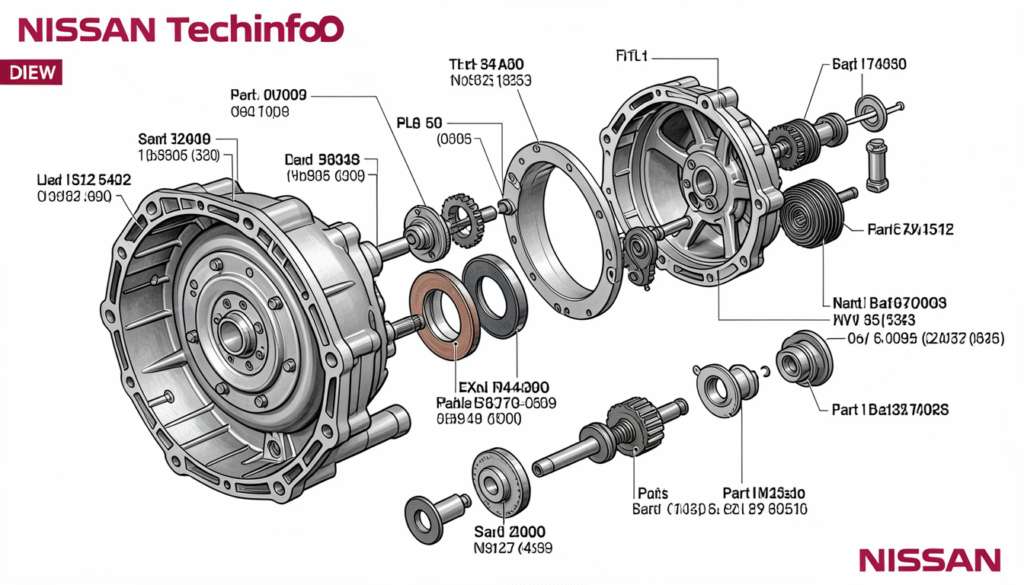
Absolutely! With clear steps and diagrams, most DIY projects become easier.
Conclusion
Nissan Techinfo is the official library of Nissan repair and technical info. It helps you understand your Nissan car deeply — from wiring diagrams to professional service steps. Whether you’re fixing a minor issue or learning how a system works, Techinfo gives you the right info safely and clearly. Try it for your next Nissan project and see how much easier your work becomes!